
A spreadsheet that crashes the night before a big delivery. A deleted cell that quietly throws off an entire margin calculation. Three versions of the same file circulating between the kitchen and the office, each with a different price. If this sounds familiar, you are not alone: spreadsheets remain the default tool in most professional pastry kitchens, not because they are the best choice, but because they have always been there.
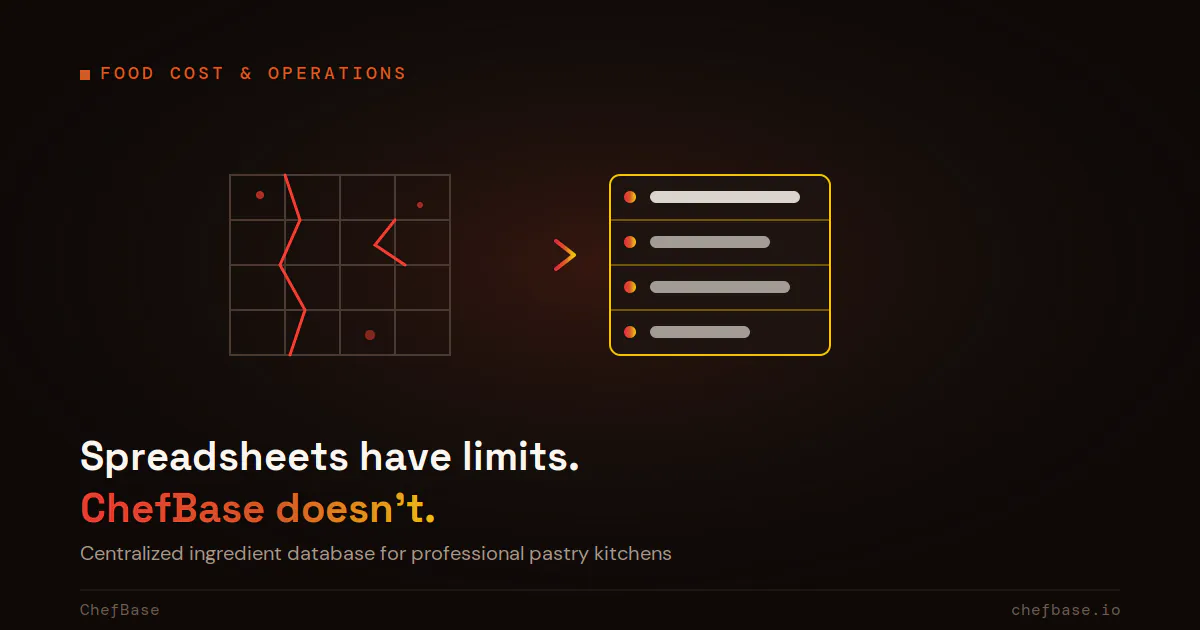
The default tool that quietly cracks under pressure
Excel and Google Sheets were never built to manage an ingredient database that changes weekly, recipe cards nested inside other recipe cards, or a food cost that needs to stay accurate to the cent. Kitchens adopted them by default, not because a better tool for the job existed, and they hold up fine… until the recipe count grows past a certain point. Past that threshold, every new ingredient, every supplier change, every sub-recipe added becomes a silent source of error.
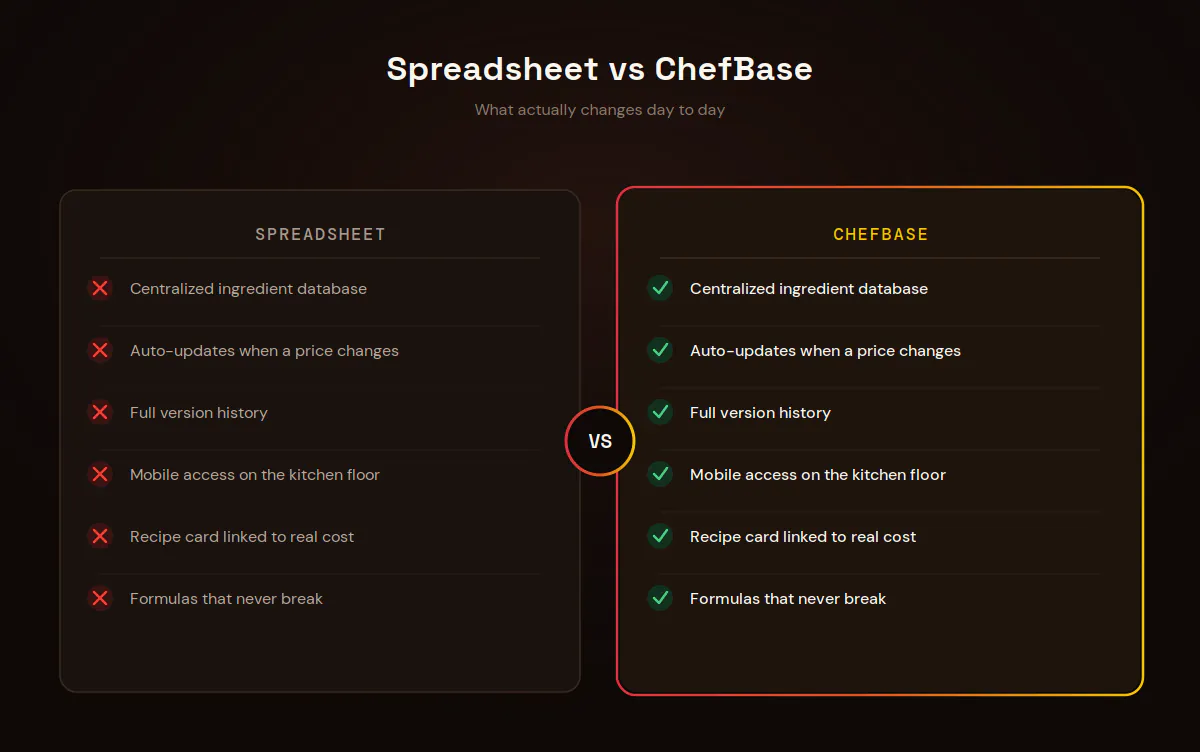
5 concrete limits of spreadsheets in a professional kitchen
No centralized ingredient database. A price change at one supplier means reopening every affected file, one by one.
Zero version tracking. There is no way to know who changed what, when, or why the margin shown suddenly looks different.
No real link between the recipe card and the cost. The recipe lives in one file, the cost in another, and the two drift apart quickly.
Formulas that break without warning. One deleted or moved cell, and the calculation keeps running… wrong.
No mobile access on the kitchen floor. The file stays on the office computer, far from the bench where the decision actually needs to be made.
The real hidden cost: time, not the price of the file
A spreadsheet costs nothing to buy, that part is true. But it costs a lot to run: hunting for the right file among ten versions, recalculating by hand after every price change, double entry between the recipe file and the food cost file. In a kitchen managing 150 to 300 items, that invisible time adds up to hours every week, time that goes neither into production nor into creative work.
This shows up even more in multi-location operations or luxury hotel groups, where several pastry chefs work from different files for the same menu. Without centralization, each location ends up with its own version of the true cost for the same entremet, and nobody has a reliable consolidated view to make purchasing or menu decisions.
For more on how these gaps compound, our article on pastry food cost breaks down exactly where the real cost hides.
ChefBase’s ingredient database: what a spreadsheet will never do
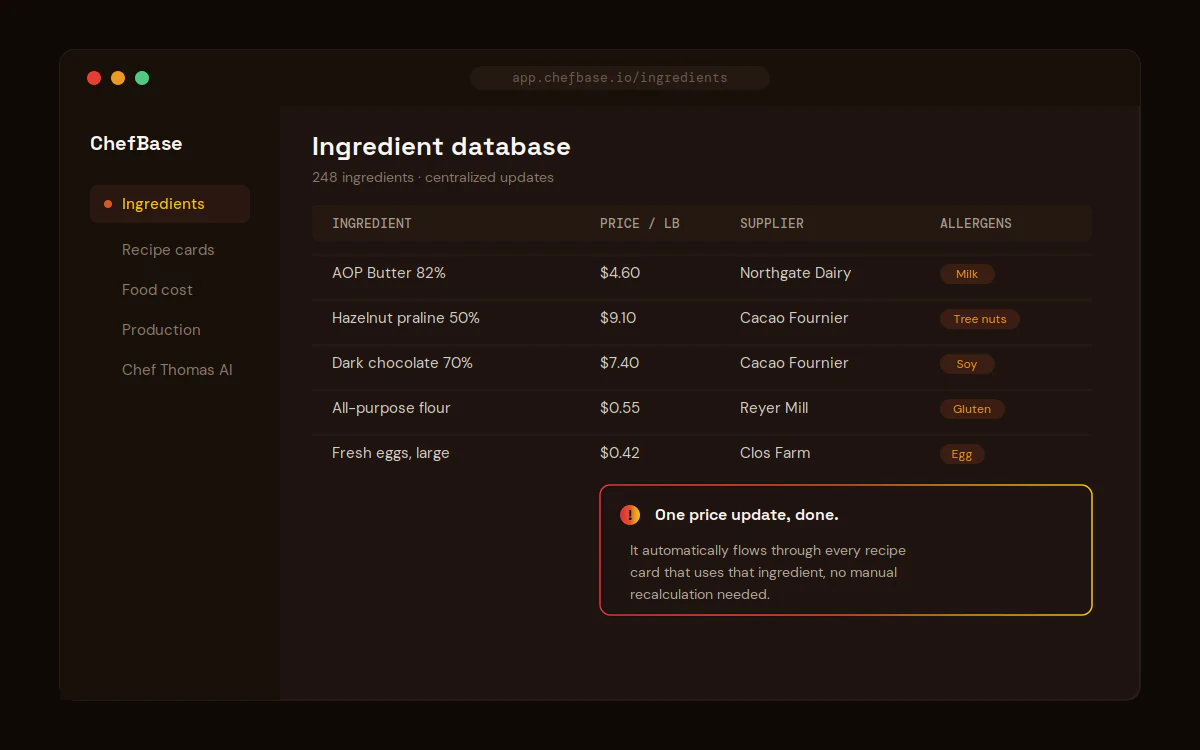
ChefBase centralizes every ingredient once: price, supplier, allergens. When a price changes, it automatically flows through every recipe card that uses it, with no manual recalculation and no risk of missing one. That is the structural difference from a spreadsheet: the data lives in one place, not scattered across fifteen files.
Ease of use: what changes day to day
ChefBase is not a spreadsheet with a fresh coat of paint. It is an interface built around the job: no formulas to write, no risk of breaking a calculation by dragging a cell, no file to dig up from an email thread. The recipe card, the cost, and the ingredient database are linked by design, not by a fragile formula bolted on by hand.
In practice, adding a new recipe does not mean rebuilding a file from a template and hoping nothing breaks. You select ingredients already in the database, set the quantities, and the cost calculates automatically from current prices. The gain is not just time, it is the certainty that the number on screen is correct, with no manual double-check running in parallel.
Switching without losing everything
Moving from a spreadsheet to ChefBase does not mean starting from zero. The ingredients, quantities, and costs already entered in your Excel or Google Sheets files can be used to build the initial database. The goal is not to redo everything, it is to stop redoing the same work every week. For a broader look at what dedicated software changes day to day, see our article on pastry management software.
Bottom line: a spreadsheet is not a bad tool, it is simply outgrown once the number of recipes, ingredients, and suppliers keeps expanding. The real question is not whether to switch, but when the time lost every week outweighs the comfort of habit.

