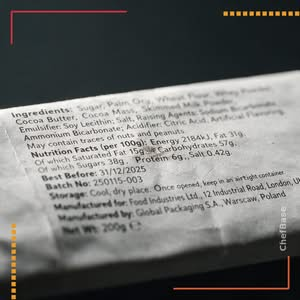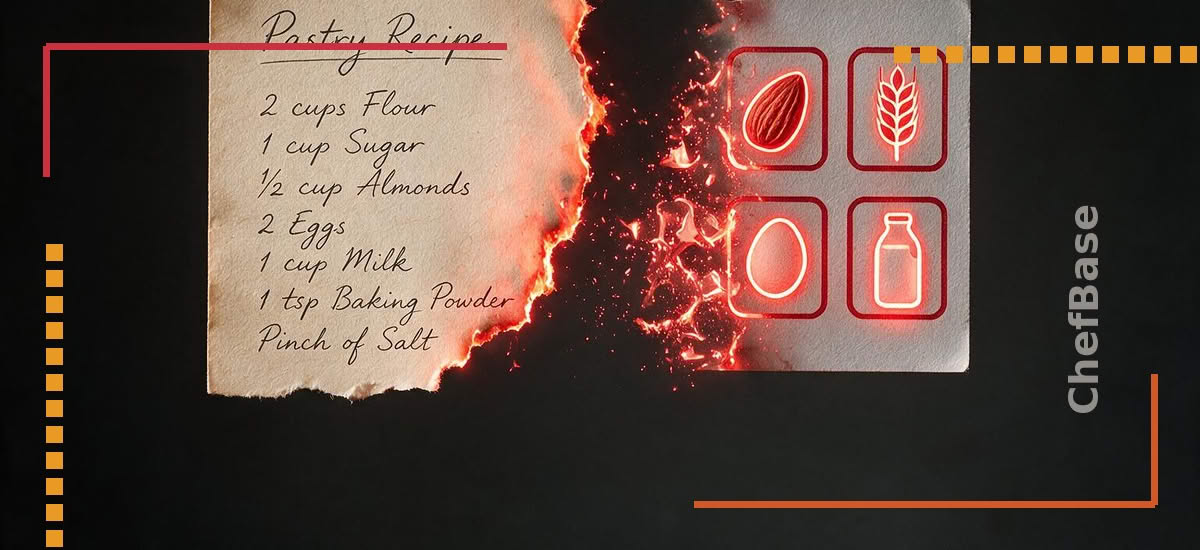
A missed allergen on a label almost never comes from not knowing the rules. It comes from a manual re-entry somewhere in the chain : a changed ingredient, a copied sub-recipe, a label printed from an outdated document. Here is how an allergen starts at the ingredient and flows all the way to the label without ever being retyped.
The allergen starts at the ingredient, not the recipe
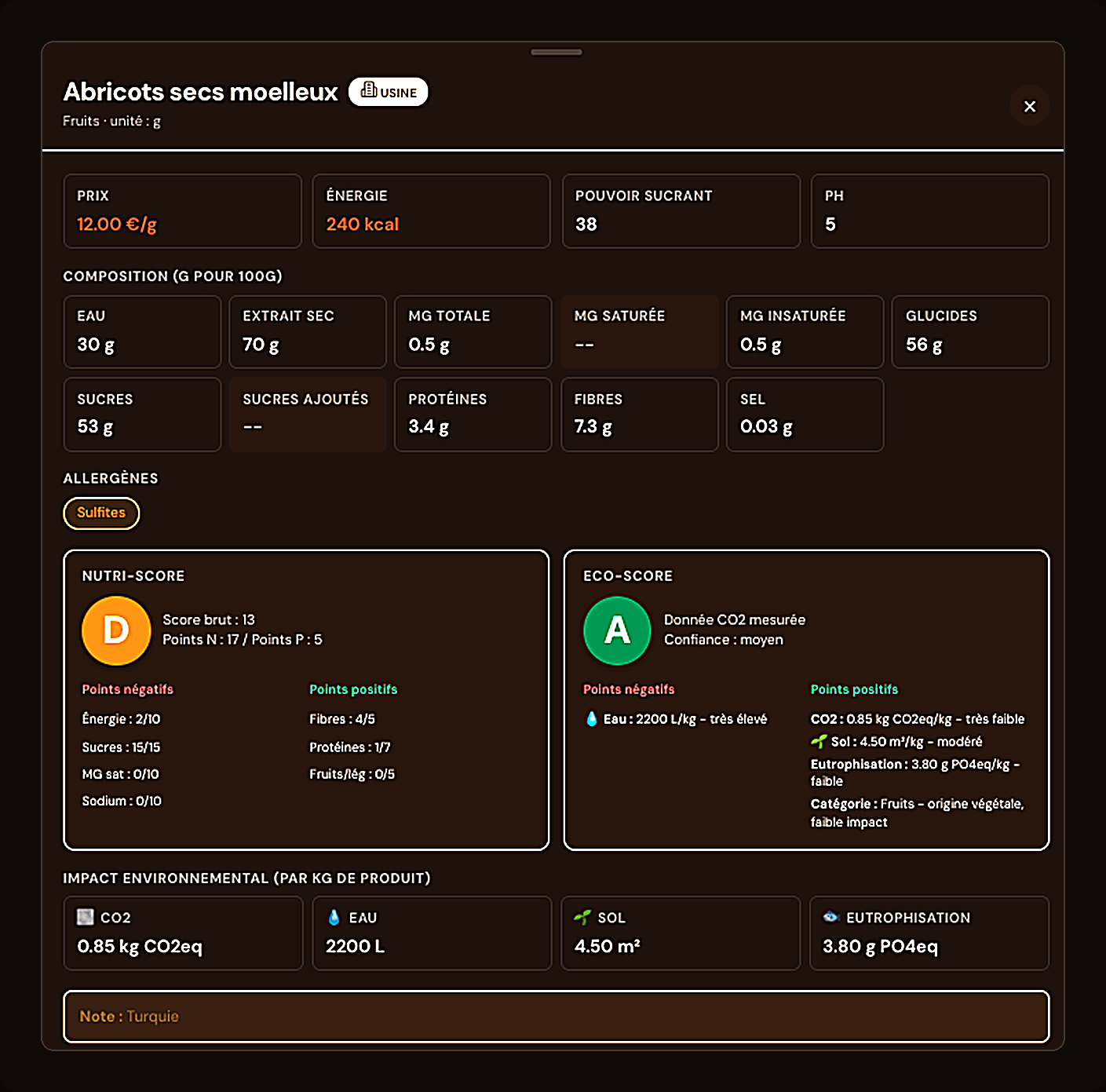
In ChefBase, an allergen is a property of the ingredient, not a field you fill in recipe by recipe. Every ingredient in the database already carries its declared allergens. The result : you never describe the same information twice, and a correction made on the ingredient instantly benefits every recipe that uses it.
Automatic inheritance across sub-recipes
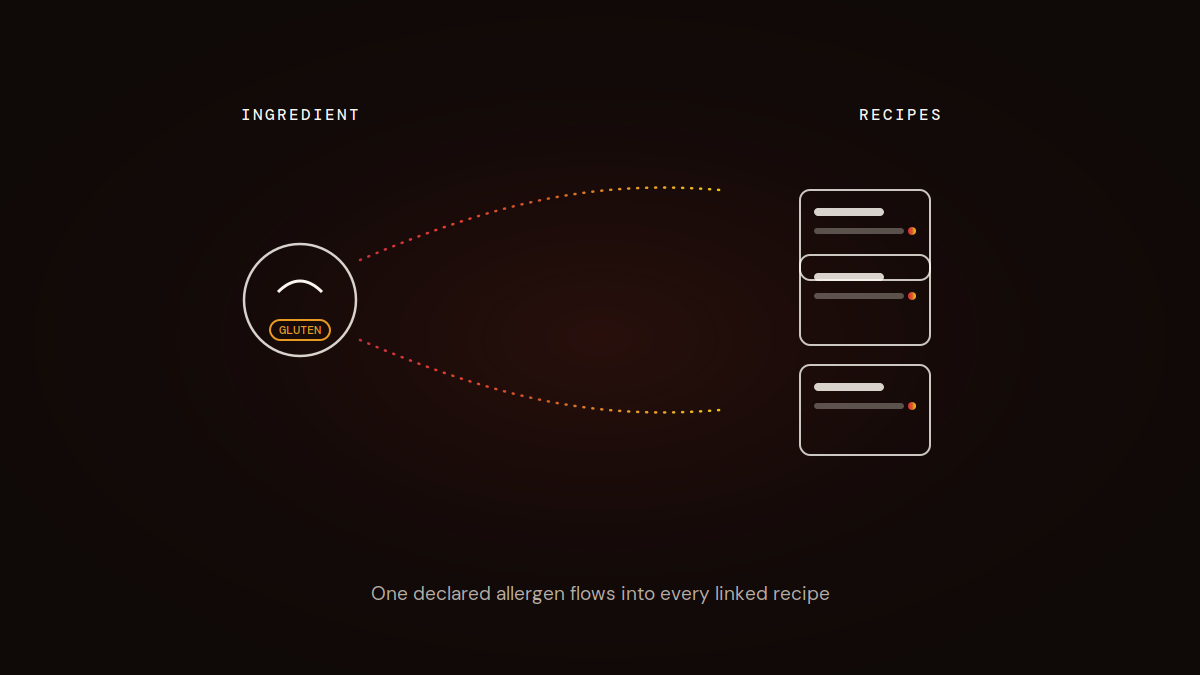
A house-made praliné, a cream base, a streusel : these sub-recipes often go into several finished desserts. As soon as an allergen is present in an ingredient of the sub-recipe, it flows automatically into every recipe that uses it. You don’t have to manually check every finished recipe each time a sub-recipe changes.
The recipe card shows the allergen with no re-entry
Open a recipe card : the allergens from every ingredient and sub-recipe used show up directly, with no action on your part. You spot what triggers a flag at a glance, before you even think about labeling.
Generate a compliant label from the card
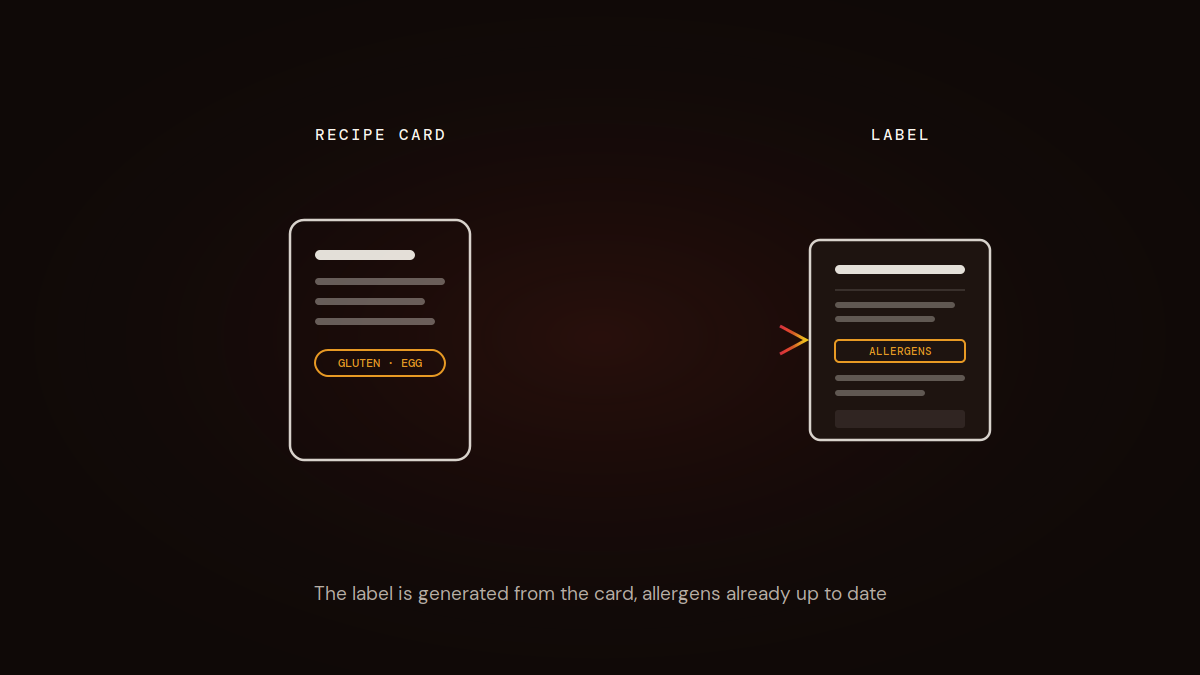
Once the recipe card is validated, the label is generated from the same data : ingredients, quantities and allergens already up to date. In the US, that means your allergen statement lines up with FDA labeling requirements; in the UK, it supports the full ingredient disclosure required under Natasha’s Law for prepacked-for-direct-sale food. No more separate document maintained in parallel, with the risk of drift between the production card and what actually goes to print.
What changes when an ingredient is updated
A supplier changes a recipe, a new allergen shows up on a product spec sheet : you update the ingredient once in your ChefBase database. The correction ripples automatically through every recipe and sub-recipe involved, with no manual rework card by card. That is exactly where manual allergen tracking gets risky : nothing warns you when a card has gone stale.
Decide which allergen label each product needs
Allergen labelling rules in the EU and UK depend on how the food is packed and sold, not on what it is. The same lemon tart can need three different treatments:
| Situation | Example | What is required |
|---|---|---|
| Prepacked | Boxed cakes sold to a deli or a hotel shop | Full label: name, ingredient list with allergens emphasised, net quantity, date, storage, business name and address, nutrition declaration unless exempt |
| Prepacked for direct sale (UK PPDS) | Tart slices boxed in the morning and placed on the counter | Name and full ingredient list with the 14 allergens emphasised |
| Non-prepacked | Tart sliced to order, or packed after the customer chooses | Allergen information available to the customer; in the UK it can be given orally |
In the EU, member states set their own rules for non-prepacked food. France, for example, requires the allergen information to be shown on or near the product. Check the national rules wherever you sell.
Map the allergen labelling workflow from recipe to label
A reliable allergen labelling workflow has six stages, and each one has a single owner:
- Ingredient record: each purchased ingredient is created from its supplier specification, with allergens and possible cross-contact noted.
- Sub-recipes: pastry, creams, inserts and glazes are recorded as recipes in their own right, so they carry their ingredients’ allergens.
- Finished product: the product recipe uses sub-recipes by reference, not by copy, so a change to the sub-recipe flows through.
- Generated ingredient list: ingredients are listed in descending order of weight at the time of use, compound ingredients shown with their own ingredients in brackets.
- Proof check: a second person checks the label against the recipe card before first print.
- Release: the label gets a version number and date, and old stock is withdrawn.
The weak point is usually stage 3: when sub-recipes are pasted into each product card instead of linked, every change has to be made in several places. ChefBase links sub-recipes to the products that use them, so allergens and ingredient lists update together when a base recipe changes.
Write PPDS labels that hold up to a UK inspection
Since October 2021, Natasha’s Law requires food that is prepacked for direct sale to carry the name of the food and a full ingredient list with the 14 regulated allergens emphasised. The FSA defines PPDS as food packed on the same premises where it is sold, before the customer orders or selects it. Its examples include bakery items packed on site before selection, and even free samples packed on site.
For a pastry counter, this typically covers boxed slices, wrapped cookies, cake pots and grab-and-go desserts made and packed in-house. It does not cover items packed after the customer chooses them, or food sold online or by phone, although allergen information must still be available before purchase and at delivery for distance sales.
A practical tip: PPDS labels are often handwritten or printed in a rush on the morning of production. Print them from the recipe system, never from a document kept on a counter PC.
Emphasise allergens the same way on every label
EU and UK rules require allergens to be emphasised in the ingredient list in a way that clearly distinguishes them from the other ingredients: bold, capitals, underline or background colour. Pick one method and apply it everywhere. Where an ingredient name does not make the allergen obvious, add it in brackets: “whey (milk)”, “tahini (sesame)”. Name tree nuts by species (“almonds“, “pistachios“) and gluten by cereal (“wheat flour”, “barley malt extract”).
When there is no ingredient list, the regulation calls for the word “contains” followed by the allergen.
Handle “may contain” statements with care
Precautionary allergen labelling is voluntary in the EU and UK and must not mislead. For prepacked food in England, Wales and Northern Ireland, FSA guidance updated in 2023 says it should only be used after a risk assessment, where the risk of cross-contact cannot be removed, and should name the specific allergen (“may contain peanuts” rather than “may contain nuts”). A product claiming to be free from an allergen should not carry a “may contain” warning for that same allergen. Place the statement after the ingredient list, never inside it.
Lock every label version to a recipe version
Most allergen labelling errors are version errors: the recipe changed, the label did not. Three rules close that gap:
- Version code on the label: a short code and date that match the recipe card.
- Reprint triggers: any change to an ingredient, a supplier reference or a sub-recipe triggers a new label before the next production run.
- Limited pre-printing: print no more than a few days of labels in advance, so old versions do not linger in a drawer.
Keep an archive of each released version. If a customer complaint arrives, you can show which label was used on which day.
Key takeaways : the allergen is declared once, at the ingredient level, then inherited automatically by the sub-recipes and recipe cards that use it. The label is generated directly from the card, with data that stays current. A single correction on an ingredient is enough to update every recipe involved.
This is exactly what the Labeling feature automates: one declaration at the ingredient level, inherited everywhere it’s used.
An allergen label is only as good as its last update. ChefBase regenerates it the moment an ingredient changes. Start free, no card required.
Frequently asked questions
What is allergen labelling for a bakery in the UK?
It depends on how the food is sold. Prepacked food needs a full label, PPDS food needs its name and a full ingredient list with the 14 allergens emphasised, and non-prepacked food needs allergen information available to the customer, which can be given orally.
What does Natasha’s Law require on a label?
Food prepacked for direct sale must show the name of the food and a full ingredient list, with the 14 regulated allergens emphasised. It applies to food packed on the premises where it is sold before the customer selects it, such as boxed cake slices on a counter.
How do I create an allergen label from a recipe?
Break every sub-recipe down into its base ingredients, add up the weights across the product, list them in descending order, show purchased compound ingredients with their own ingredients in brackets, then emphasise every allergen. Have a second person check it against the recipe card before printing.
How should allergens be emphasised on a food label?
In the EU and UK they must stand out clearly from the rest of the ingredient list, using bold, capitals, underline or a background colour. Add the allergen in brackets when an ingredient’s name does not make it obvious, for example whey (milk).
Is a may contain label a legal requirement?
No. Precautionary allergen labelling is voluntary in the EU and UK, but it must not mislead. FSA guidance says to use it only after a risk assessment shows an unavoidable cross-contact risk, and to name the specific allergen rather than a general group.
Does Natasha’s Law apply to cakes sold online?
No, the PPDS labelling requirement does not apply to food sold by distance selling, such as online or by phone. However, allergen information must still be available to the customer before purchase and when the food is delivered, either in writing or orally.
What are the 14 allergens in EU and UK allergen labelling?
Cereals containing gluten, crustaceans, eggs, fish, peanuts, soybeans, milk, tree nuts, celery, mustard, sesame, sulphur dioxide and sulphites above 10 mg/kg or 10 mg/litre, lupin and molluscs. They come from Annex II of Regulation (EU) No 1169/2011, retained in UK law.
How do I keep allergen labels up to date when recipes change?
Link labels to recipe versions, print a version code on each label, reprint whenever an ingredient or sub-recipe changes, and avoid pre-printing weeks of stock. Generating labels from the recipe in ChefBase means the ingredient list and allergens always follow the latest version.