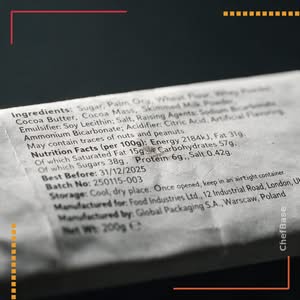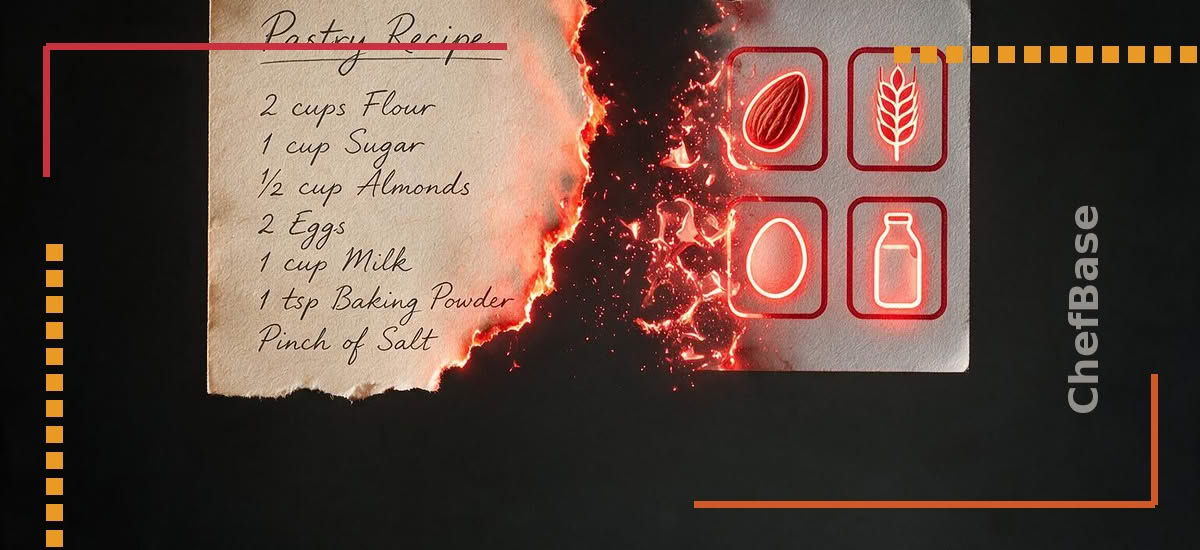
A missed allergen on a label almost never comes from not knowing the rules. It comes from a manual re-entry somewhere in the chain : a changed ingredient, a copied sub-recipe, a label printed from an outdated document. Here is how an allergen starts at the ingredient and flows all the way to the label without ever being retyped.
The allergen starts at the ingredient, not the recipe
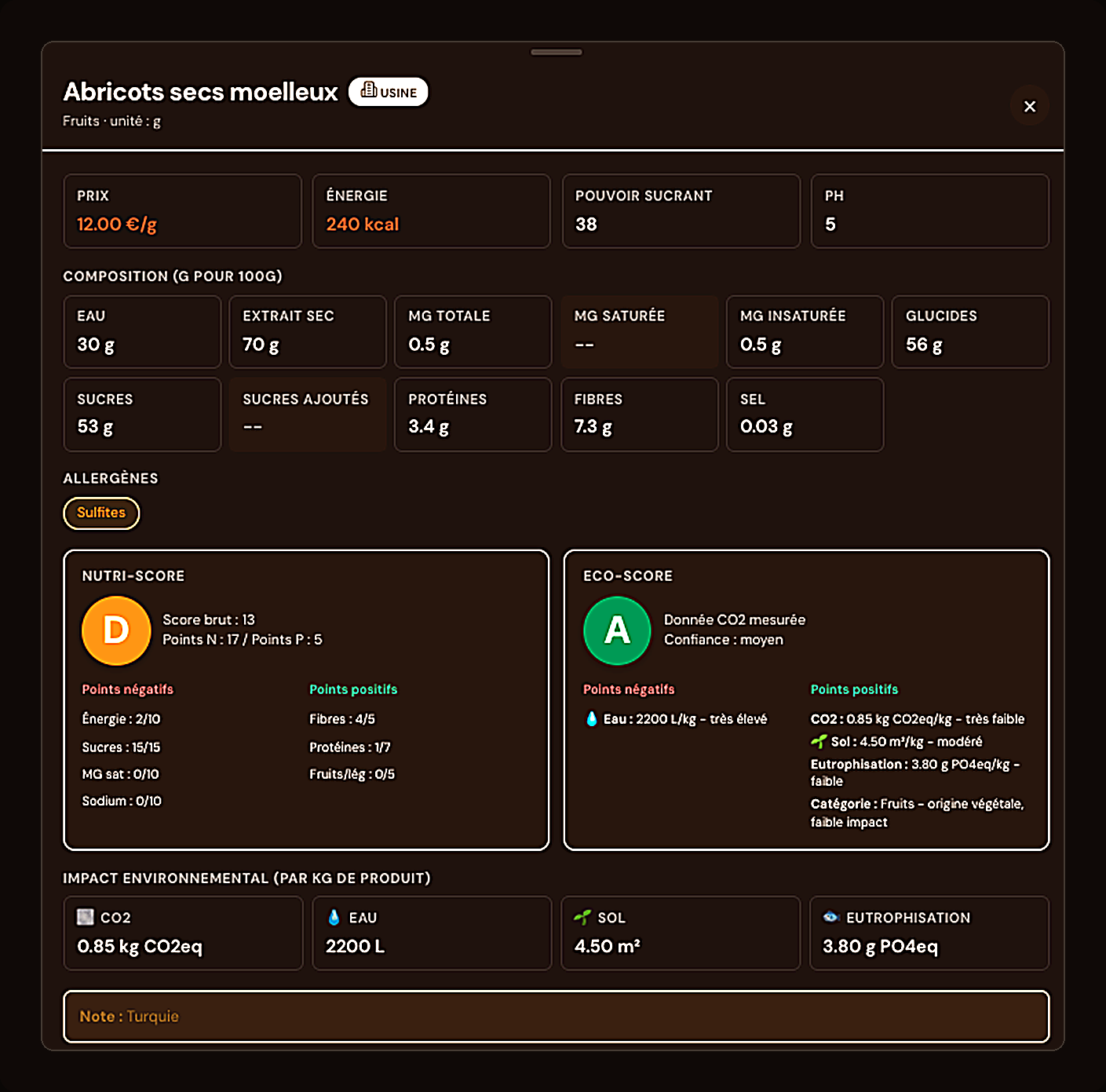
In ChefBase, an allergen is a property of the ingredient, not a field you fill in recipe by recipe. Every ingredient in the database already carries its declared allergens. The result : you never describe the same information twice, and a correction made on the ingredient instantly benefits every recipe that uses it.
Automatic inheritance across sub-recipes
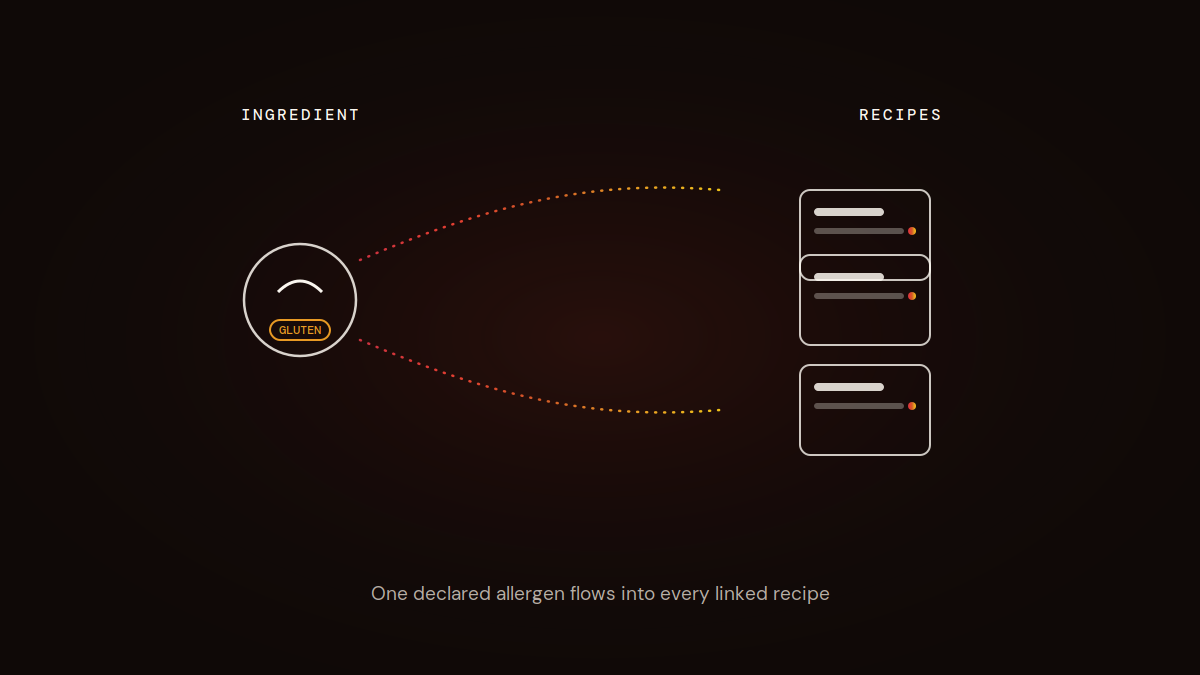
A house-made praliné, a cream base, a streusel : these sub-recipes often go into several finished desserts. As soon as an allergen is present in an ingredient of the sub-recipe, it flows automatically into every recipe that uses it. You don’t have to manually check every finished recipe each time a sub-recipe changes.
The recipe card shows the allergen with no re-entry
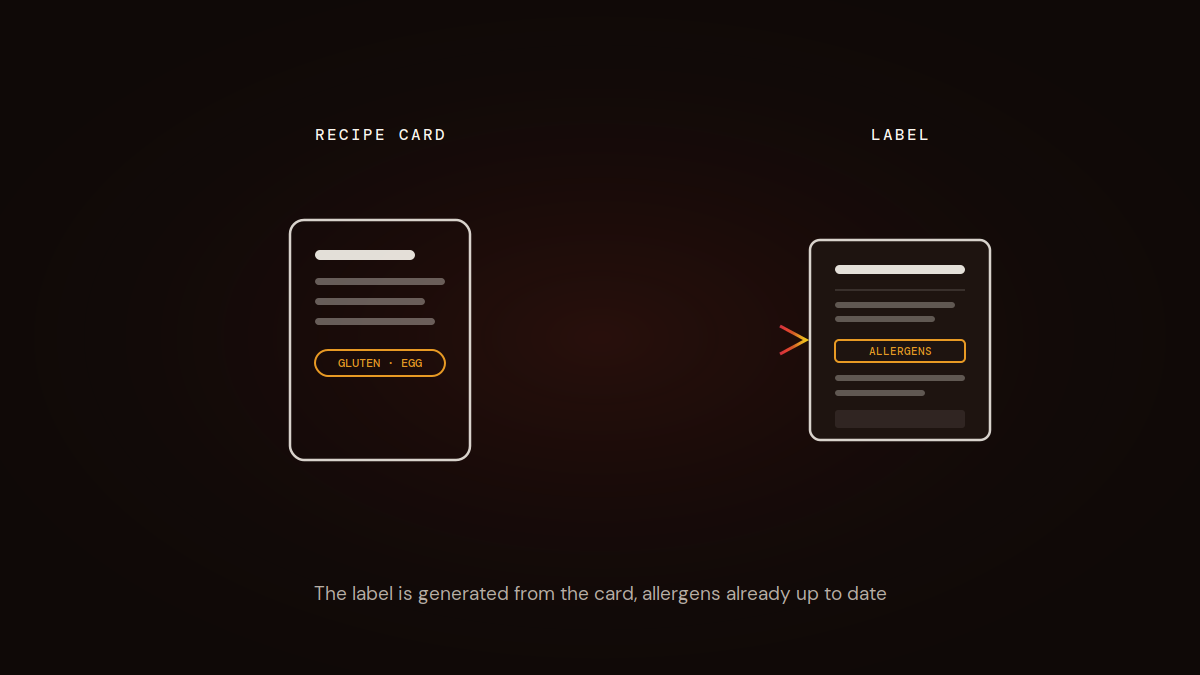
Open a recipe card : the allergens from every ingredient and sub-recipe used show up directly, with no action on your part. You spot what triggers a flag at a glance, before you even think about labeling.
Generate a compliant label from the card
Once the recipe card is validated, the label is generated from the same data : ingredients, quantities and allergens already up to date. In the US, that means your allergen statement lines up with FDA labeling requirements; in the UK, it supports the full ingredient disclosure required under Natasha’s Law for prepacked-for-direct-sale food. No more separate document maintained in parallel, with the risk of drift between the production card and what actually goes to print.
What changes when an ingredient is updated
A supplier changes a recipe, a new allergen shows up on a product spec sheet : you update the ingredient once in your ChefBase database. The correction ripples automatically through every recipe and sub-recipe involved, with no manual rework card by card. That is exactly where manual allergen tracking gets risky : nothing warns you when a card has gone stale.
Key takeaways : the allergen is declared once, at the ingredient level, then inherited automatically by the sub-recipes and recipe cards that use it. The label is generated directly from the card, with data that stays current. A single correction on an ingredient is enough to update every recipe involved.
This is exactly what the Labeling feature automates: one declaration at the ingredient level, inherited everywhere it’s used.
An allergen label is only as good as its last update. ChefBase regenerates it the moment an ingredient changes. Start free, no card required.
Frequently asked questions
How do you manage allergens automatically in a pastry recipe?
By declaring the allergen once, at the ingredient level, in a database. It then flows automatically into every sub-recipe and recipe card that uses that ingredient, with no manual re-entry.
How does an allergen flow from a sub-recipe into a finished recipe?
As soon as an allergenic ingredient is added to a sub-recipe, the allergen is automatically inherited by every finished recipe that uses that sub-recipe, with no manual re-check at each level.
How do you generate a compliant allergen label from a recipe card?
The label is generated directly from the recipe card’s data : ingredients, quantities and allergens already entered and up to date, with no separate document to maintain.
What should you do when an ingredient’s composition or allergens change?
Update the ingredient once in your database. The change ripples automatically through every recipe and sub-recipe that uses it, with no manual rework card by card.
Why is manual allergen tracking risky in a pastry kitchen?
Because a spreadsheet or separate document never warns you when a card has gone stale after an ingredient change. The most common error comes from a recipe card or label that was not updated after a recipe change.